What web browser should I use?
The Open edX platform works best with current versions of Chrome, Edge, Firefox, Internet Explorer, or Safari.
See our list of supported browsers for the most up-to-date information.
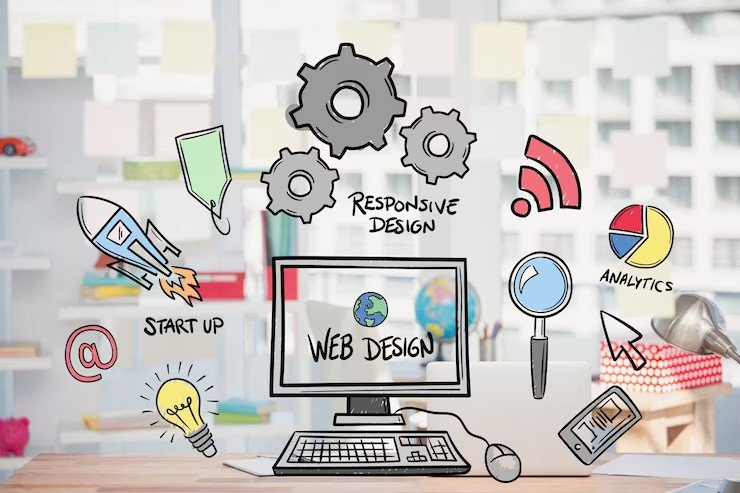
Are you curious about how websites are built? Want to design and create your own, but don’t know where to start? Web Design for Beginners is the perfect starting point.
This hands-on course introduces you to the essential building blocks of web design, including HTML, CSS, and the principles of effective user interface (UI) and user experience (UX) design. You’ll learn how to structure web pages, apply styles, and make your designs responsive across devices—all while building real projects step by step.
Whether you’re looking to start a career in web development, improve your digital skills, or simply explore a creative new hobby, this course will give you the foundation you need.
By the end of the course, you will:
- Understand how the web works and how websites are built
- Create your own styled, responsive web pages
- Apply core design principles for better usability and visual appeal
- Launch a personal or portfolio website project
- No prior coding or design experience is required—just a willingness to learn and create.
- No prior coding or design experience needed
- Access to a computer with internet connection
- A modern web browser (e.g., Chrome, Firefox, Edge)
- A simple code editor (e.g., Visual Studio Code – free to download)
- Basic computer literacy (e.g., navigating folders, installing software)
The Open edX platform works best with current versions of Chrome, Edge, Firefox, Internet Explorer, or Safari.
See our list of supported browsers for the most up-to-date information.
Your answer would be displayed here.